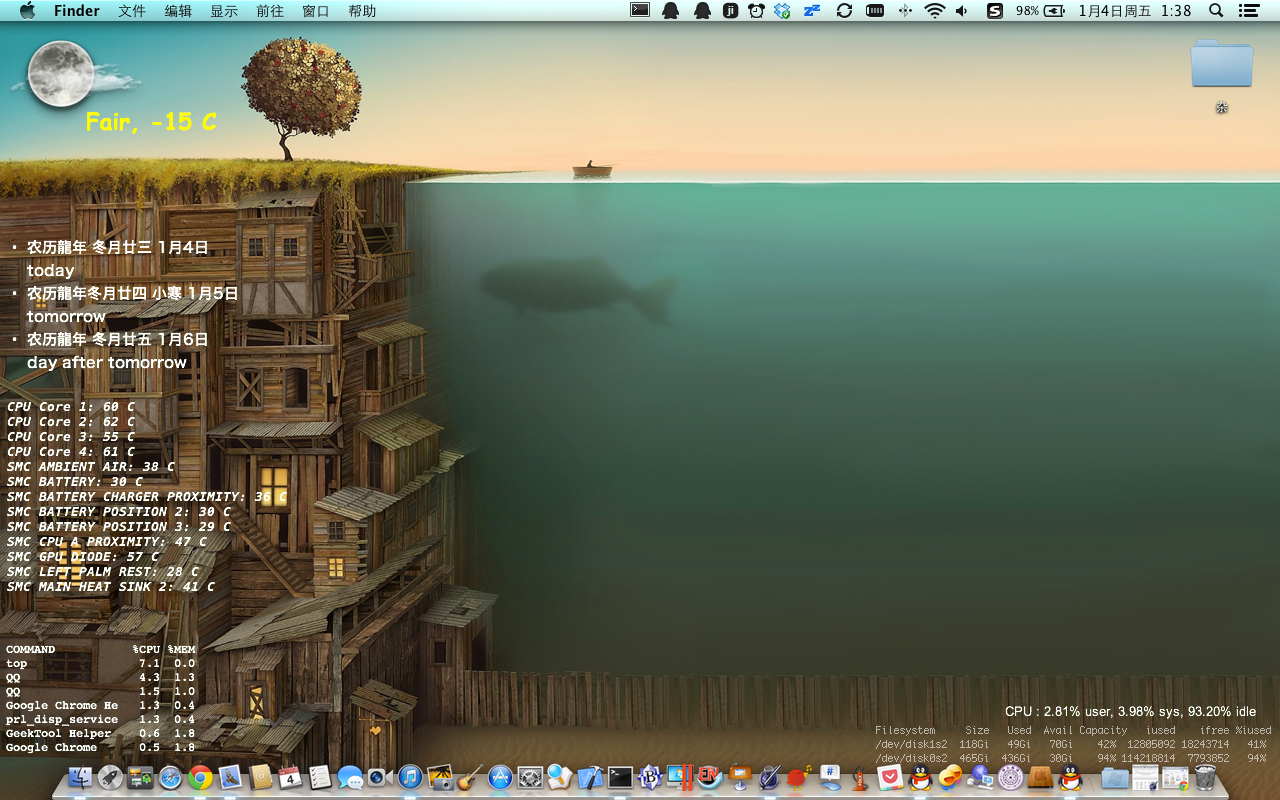
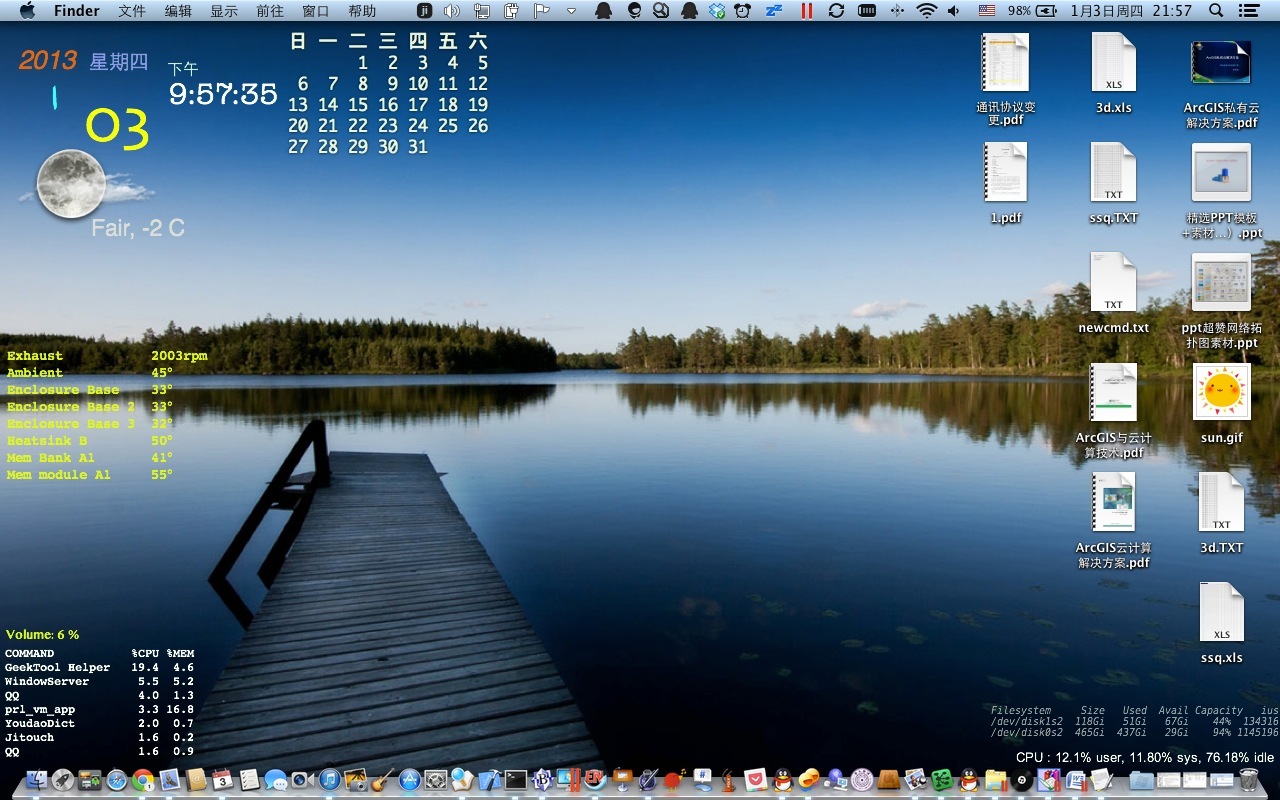
下面2张图是配置后的效果,本人为MD101,分辨率1280X800,其他的话自己拖动一下就好了
下面说一下配置方法:
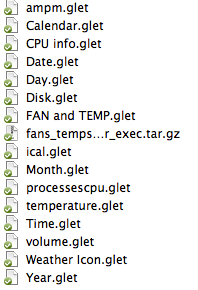
一共有这么多的glet文件,只要你安装了geektools,就可以直接双击打开。
其中有3个需要配置下
1)风扇与温度FAN AND TEMP.glet
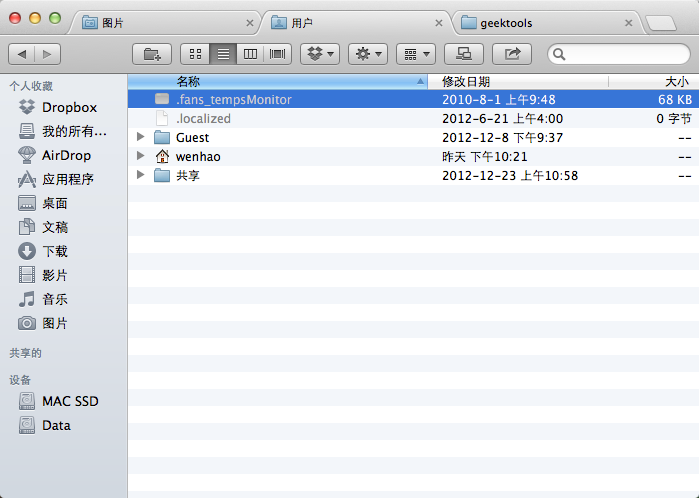
这个需要把fans_tempsMonitor_exec.tar.gz放到/tmp/下解压,因为解压出来是隐藏文件,没打开隐藏文件是看不见的哦。如下图
然后在双击Fan and TEMP.glet就能用了。
2)ical.glet配置
解压icalBuddy-v1.8.5.zip,运行install.command然后按Y即可。
3)CPU温度插件
tempmonitor放到/tmp/下,然后再打开temperature.glet就好了。
天气配置方法:
curl --silent "http://xml.weather.yahoo.com/forecastrss?p=
CHXX0008&u=c" | grep -E '(Current Conditions:|C<BR)' | sed -e 's/Current Conditions://' -e 's/<br \/>//' -e 's/<b>//' -e 's/<\/b>//' -e 's/<BR \/>//' -e 's/<description>//' -e 's/<\/description>//' | tail -n1
curl --silent "
http://weather.yahoo.com/china/beijing/beijing-2151330" | grep "class=\"current-weather\"" | sed "s/.*background\:url(\'\(.*\)\')\ no-repeat.*/\1/"| xargs curl --silent -o /tmp/weather.png
红色的自己按照地区替换吧~
所有的GeekTools模块都在这里咯(第一张壁纸是weiphone找的,也在里面了):
http://pan.baidu.com/share/link?shareid=216159&uk=285535323
有啥搞不定的可在下面留言~ ~