

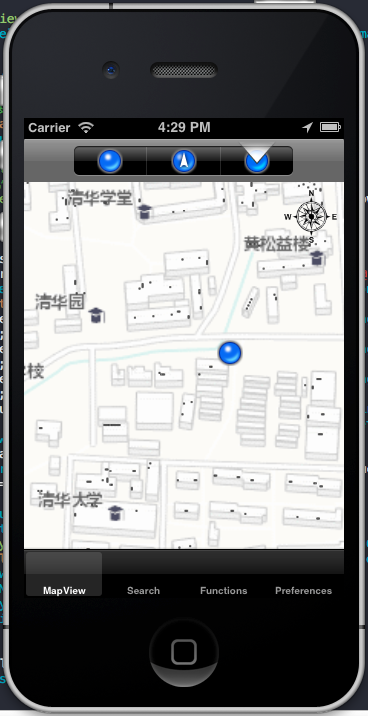
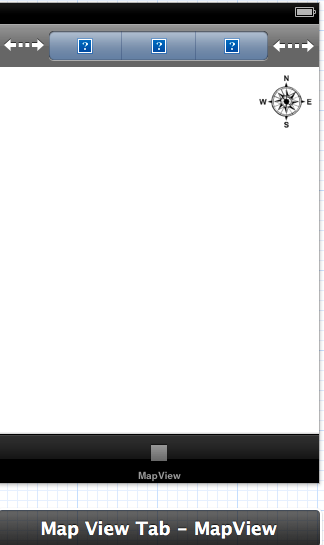
1.在storyboard里绘制一个界面
添加UIView到界面里,class设为AGSMapView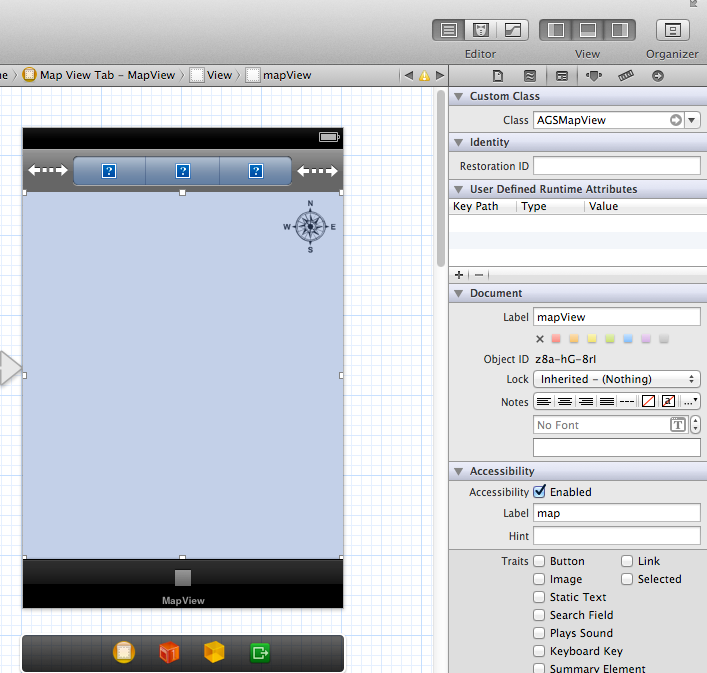
2.添加事件和属性
@property (weak, nonatomic) IBOutlet AGSMapView *mapView;
//加载地图
        AGSTiledMapServiceLayer *tiledLayer =
        [AGSTiledMapServiceLayer
         tiledMapServiceLayerWithURL:[NSURL URLWithString: BJArcGISOnline]];
        [self.mapView addMapLayer:tiledLayer withName:@"Tiled Layer"];
                cunrrentLayerNum = 0;
-(void) mapViewDidLoad:(AGSMapView *)mapView {
    // 开启GPS
    [self.mapView.locationDisplay startDataSource];
    self.mapView.locationDisplay.autoPanMode = AGSLocationDisplayAutoPanModeDefault;

    [self.mapView zoomToScale:50000 withCenterPoint:nil animated:YES];
    [self.autoPanModeControl setSelectedSegmentIndex:0];
图层加载完毕后,如果设置了AGSMapViewLayerDelegate, AGSLayerDelegate后,可以调用下面的方法。
- (void) layerDidLoad: (AGSLayer*) layer{}